Building a Personal Website
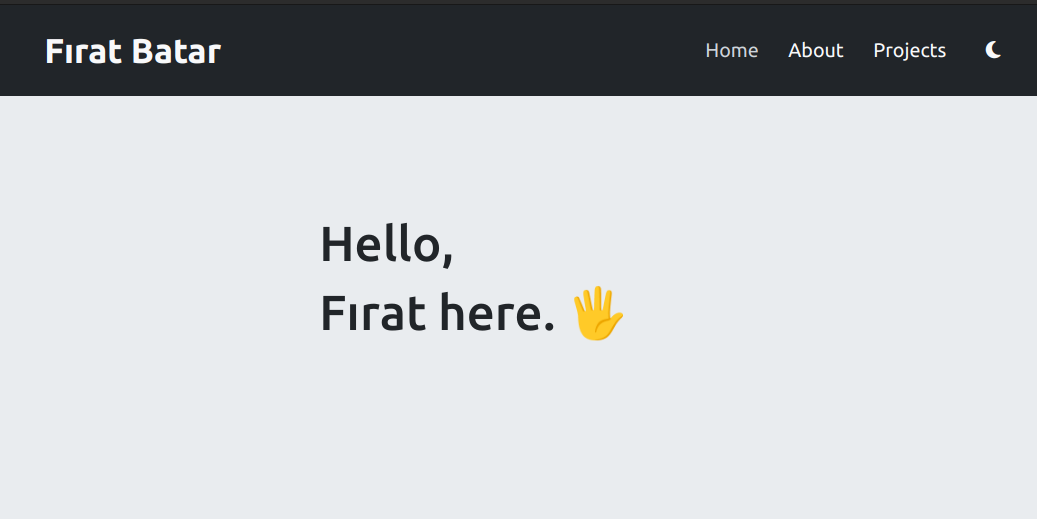
As a matter of fact, this website has been built by me almost from scratch (well I used a framework!). For a time I’ve wanted a website, so eventually I’ve said why not make one yourself.
If you want to check out the code, the source code and the content is totally public and it’s on my GitHub.
How?
I’ve been into web development for a time now, and I’ve been playing around with Django actually. However, learning Django and building a functional website using it takes time, and also there is the issue of hosting a Django website.
I needed a way to build a website quickly and easily, and I needed to able to host it cheaply or even better, for free.
When you research about building a basic website and hosting it for cheap, you will probably run into GitHub Pages. I’ve decided to give it a try, but I didn’t want to build a website totally from ground writing HTML and CSS, which I hate. Instead I decided to go with a static website generator.
Why Hugo?
While researching I’ve run into other static website generators like Jekyll, but I’ve settled with Hugo. There is no actual reason for this, I just liked it more and I thought that I could learn it faster.
What else I’ve used?
I am not good with making things pretty and don’t like working with CSS, but also I didn’t want to use a theme. So I’ve used Bootstrap to make things easier for me. I’ve also used Font Awesome for the icons.
Even though there is not much JavaScript going on the website, I’ve used jQuery for the few things that I needed.
The process?
For a very basic website I wanted to have an about and projects sections. With Hugo archetypes I’ve created a template for the projects and a general about markdown then addedd them into the index page as partials.
I’ve wanted projects section to be a multicarded carousel, so I’ve used Bootstrap cards and made the carousel with jQuery, since Bootstrap’s carousel doesn’t support having mulitple cards at the same time that well.
For navigation purposes I’ve added basic navbar with single links to Hugo’s corresponding sections. For the navbar itself I’ve used Bootstrap’s navbar and for the links I’ve used Hugo’s menu system.
I’ve also added a footer with links to my GitHub and LinkedIn profiles and a link to Hugo’s website.
Using Bootstrap’s color mode classes I’ve added a dark mode toggle button to the navbar.
Finally I’ve fixed some issues with responsiveness and pushed the website to GitHub and hosted it.
A refresh with Claude Code
As I mentioned, design and CSS are not really my thing. After living with the first version for a while, I decided to give the site a fresh, more modern look — and I leaned on Claude Code to do the heavy CSS lifting.
I kept all the content, page structure, and Hugo layouts intact, and used Claude Code to redesign the stylesheet from scratch: a new color palette (emerald → teal → cyan gradient accent), a proper design-token system via CSS custom properties, refreshed typography with Inter and JetBrains Mono, consistent spacing and radii, and polished dark/light themes that switch via [data-bs-theme].
Working with an AI pair was genuinely useful here. I could describe what I wanted in plain English, and iterate quickly on small, reviewable commits rather than wrestling with CSS myself. It turned the parts of web development I enjoy least into a conversation.